Moroka Website Builder
Design a website in minutes. Not days.
Moroka combines AI website generation with a full visual website builder. AI can draft the first version; after that you edit every element yourself — text, sections, and structure — with no lock-in into the generated layout.
- 01No rigid templates
- 02Custom domain
- 03Responsive design
- 04Moroka Pixel
AI generation, then full control
Build the first version with AI. Edit everything after.
AI can create the first version of a website or page. After generation you are not limited to that draft — the visual builder stays fully available.
- 01
Generate the first version
Ask AI to draft a website or individual pages so you start from a working structure instead of a blank canvas.
- 02
Change text, sections, and structure
Rewrite copy, move sections, add or remove blocks. The generated layout is a starting point, not a lock-in.
- 03
Visually edit every element
Headings, text, buttons, images, and modules stay editable in the same builder you would use by hand.
- 04
Responsive controls stay yours
Desktop, tablet, and mobile settings remain separate decisions. AI does not freeze a one-size layout.
A structure you can read
A page is four simple levels
You work with blocks, rows, columns, and elements instead of code. Every level shows up in the structure panel, so you always know what you are editing.
- BlockA large section of the page: hero, benefits, gallery, testimonials, contacts, or footer.
- RowA horizontal level inside a block. Rows set the order of a section from top to bottom.
- ColumnA part of a row. Columns are where text, images, and buttons live.
- ElementThe actual object: heading, text, button, image, form, icon, or video.
The same structure drives responsive settings and AI edits. You change one level, and the rest of the page stays where it is.
Content without leaving the Builder
7M+ free photos already in the editor
Search Unsplash inside the Builder and place a photo on the page right away. No downloading files from other sites first.
Powered by






More than mobile-friendly
A separate design for every screen type
Desktop, tablet, and mobile each have their own style layers. The mobile layout is your decision, not an automatically squeezed desktop page.
Separate styles
Size, spacing, and visibility are set per breakpoint.
A mode for tablets
Tablet is edited in its own Builder mode.
Different phone sizes
Check the page on several mobile viewports inside the Builder.
Per-device visibility
Hide an element exactly where it gets in the way.

Corporate merch from a Ukrainian manufacturer
Backpacks, hoodies, travel mugs, and other branded products — from small batches to corporate orders.
Request a quoteFast from the start
Speed you can check in PageSpeed Insights
A published page is ready HTML served from a CDN. In typical scenarios, a well-assembled Moroka site scores 100 out of 100 in Google PageSpeed Insights.
Typical result
- 0Performance
- 0Accessibility
- 0Best Practices
- 0SEO
Static HTML
Publishing saves each page as ready HTML and CSS. The browser never waits for a heavy JavaScript framework.
CDN and caching
Pages and static files are served from a CDN. Immutable assets are cached long-term.
Modern media
Images are stored as AVIF, and videos as web-optimised MP4.
Deferred loading
Images load in a way that never blocks the first content paint.
The actual score depends on your content, media size, third-party scripts, integrations, and the settings of each specific website.
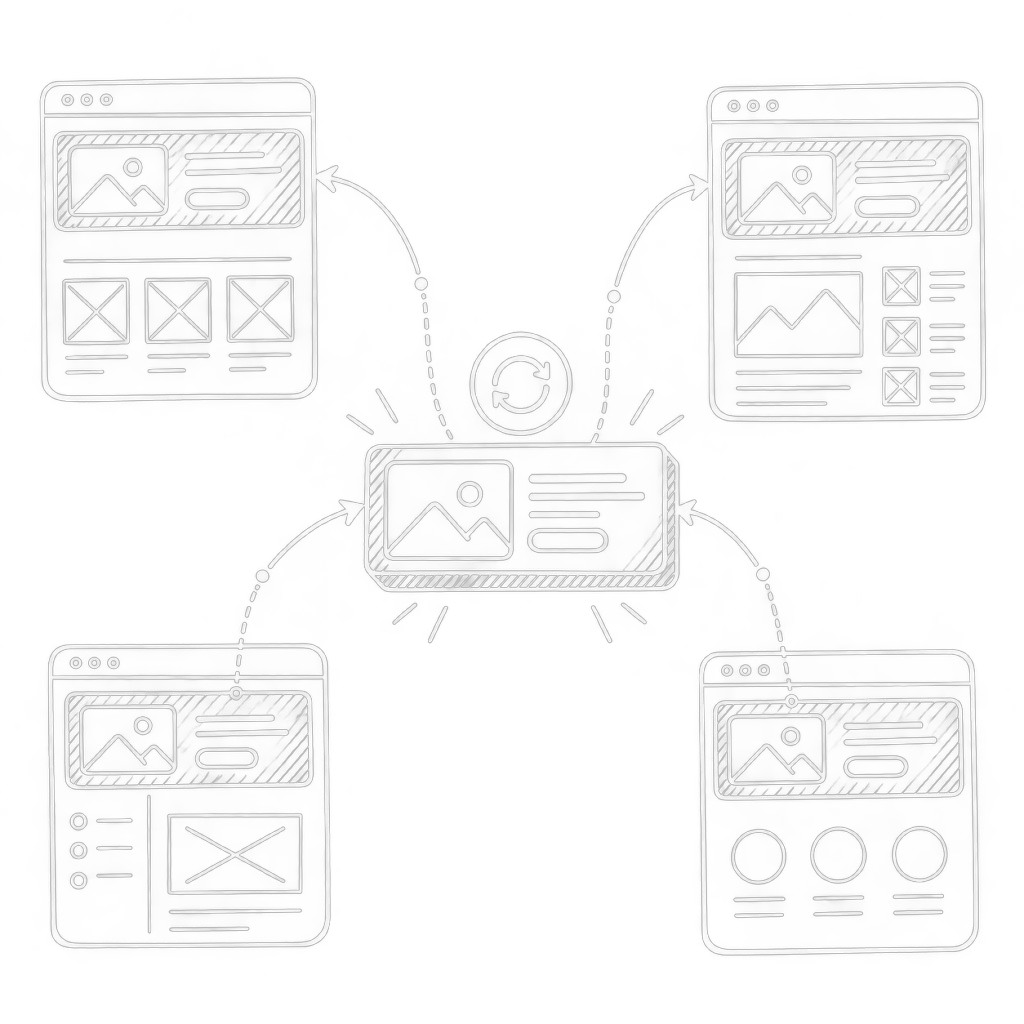
Change it once
One global block across every page that needs it
A header, a footer, or a contact block lives in one place. You edit it once, and every connected page updates when you publish.
Header · Footer · Contact section · Promo banner · CTA · Service navigation
- 01
Pick a block on a page or in the library.
- 02
Mark it as global in the block settings.
- 03
Add it to other pages — from then on, edits spread when you publish.
Experiment without fear
Something went wrong? Restore an earlier version
Moroka keeps a history of site changes. You can look through earlier states and restore the one that was right.
History works at site level — you restore a saved version, not a single element. A website keeps up to 50 checkpoints.
Website change history
Website published
14:20Publish
Services section updated
14:06Manual change
Home page copy changed
13:41AI change
Testimonials block added
13:18Manual change
Analytics from the first publish
Moroka Pixel connects to your website automatically
As soon as you publish, the website starts counting visitors and leads. There is no tracking code to paste by hand.
The Pixel can be switched off for an individual website in its control panel.
Moroka Pixel
Page views
How many times pages of the website were opened in a browser.
Unique visitors
How many different people visited the website in a period.
Leads
Events the Pixel recorded as an enquiry from a potential customer.
Conversion rate
How many page views turned into leads.
Connect the tools you already use
You can also send website data to third-party analytics and advertising pixels. Which integrations you get depends on your current plan.
 Google Analytics 4
 Google Tag Manager
 Meta Pixel
 Microsoft Clarity
 Cloudflare Turnstile
- Custom Code
 Google Ads Conversion Tag
 Hotjar
 TikTok Pixel
 LinkedIn Insight Tag
Your next client website can start today
Signing up is free and no card is required. The first site publishes on your client's domain with nothing to pay the platform.
- 01Unlimited client websites
- 02No per-site platform fees
- 03Scale with Agency plans
- 04Built-in analytics
Moroka Journal